A quick item upload
Add clear photos, the condition and the details an OnSeller will need.
List what you no longer need and choose the person you trust to sell it. Your OnSeller takes care of the buyer enquiries and the online selling work.
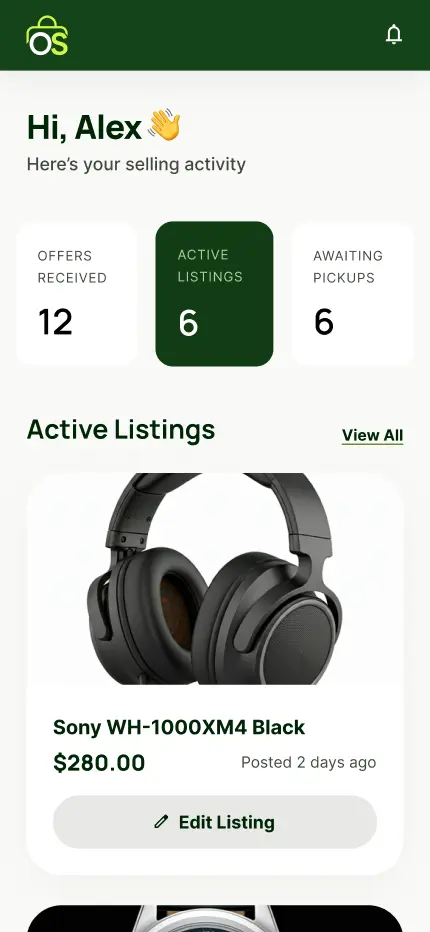
You decide which offer to accept. The selected OnSeller gets what they need to create the external listing, while your exact address stays private until the right stage.
Add clear photos, the condition and the details an OnSeller will need.
See each minimum sale offer and the OnSeller's note before choosing.
Your OnSeller creates the external listing and handles the buyer conversation.
The buyer pays securely through Stripe, then their one-time code confirms the handover.
Upload photos and set the information OnSellers can review.
Choose one OnSeller to take on the sale.
Wait until the buyer's secure Stripe payment is confirmed through OnSell.
Confirm collection in the app and complete the sale.
Enter your email and we’ll send you the Seller Pack, including how OnSell works and launch information.